Lovable SEO Audit
A clear report on how Google and AI crawlers see your site: rendering, indexing status, metadata, links, speed and content, with the fixes in priority order.
Lovable SEO and migration
You built your website fast with Lovable. Now it needs to be found. I find out why Google is skipping it, then fix it in place, rebuild it as a fast static site, or move it to WordPress so your team can edit it without prompts.
Direct answer
Yes, but it is a rebuild, not an export. Here is what that means.
A Lovable to WordPress migration rebuilds your Lovable design as a WordPress site and moves your content into pages and posts your team can edit visually. Lovable generates a React application, which cannot be uploaded to WordPress as it is, so the layout is recreated with the block editor or Elementor, forms and integrations are reconnected, and every old URL either stays the same or gets a 301 redirect.
AI builders are brilliant for getting a first version live. The trouble starts when the site has to grow: every text change means another prompt, a blog is hard to manage, and marketing tools expect a CMS.
WordPress gives you a familiar editor, a full blog, SEO plugins, WooCommerce and thousands of integrations. If your project is an app rather than a website, you can keep the app in Lovable and move only the marketing pages.
Diagnosis
Lovable says new projects are now server-rendered and older ones are prerendered for crawlers. Rendering is rarely the only problem.
| Problem | What Google sees | Fix |
|---|---|---|
| Same title and description on every page | Many near-identical pages, so few get indexed | Unique title, description and canonical per route |
| Site on lovable.app and a custom domain | Duplicate copies of the same site | One primary domain, canonicals and redirects |
| No sitemap or Search Console setup | Pages discovered slowly, if at all | XML sitemap, robots.txt and verified Search Console |
| Older client-side rendered project | An almost empty page until JavaScript runs | Check rendering; prerender, upgrade or rebuild statically |
| Unknown URLs return 200 instead of 404 | Soft 404s and wasted crawling | A real 404 status for missing pages |
| Navigation built from buttons, not links | Pages it cannot reach | Real <a href> links between pages |
| Thin or generic copy | Nothing worth ranking | Clear headings and specific, useful content |
Services
Pick one, or let the audit tell you which one fits.
A clear report on how Google and AI crawlers see your site: rendering, indexing status, metadata, links, speed and content, with the fixes in priority order.
Keep building in Lovable. I add per-page metadata, canonicals, a sitemap, structured data and real 404s, and set up Search Console, working in your GitHub repository.
For marketing sites, a rebuild with Astro gives pre-rendered HTML and top speed with the same design. It is the approach I used for my own Jamstack website.
Your design rebuilt in WordPress with the block editor or Elementor, content moved into pages and posts, forms reconnected and every URL redirected correctly.
Deploy from GitHub to Cloudflare, Netlify or Vercel on your own domain, with environment variables, authentication redirect URLs and HTTPS set up properly.
The same audit, fixes and migrations for sites generated with v0, Bolt.new, Replit or Cursor.
Choosing a path
The right answer depends on what the site is for and who will maintain it.
| Your situation | Best path | Why |
|---|---|---|
| You keep building in Lovable and the site is small | Fix SEO in place | Fastest and cheapest. Your workflow stays the same. |
| A marketing site that must be as fast as possible | Static rebuild (Astro) | Pre-rendered HTML, minimal JavaScript and low hosting costs. |
| Your team wants to edit pages and publish a blog | Migrate to WordPress | A familiar editor, SEO plugins and a large ecosystem. |
| A web app with a marketing site on the same domain | Split: app stays, marketing moves | The app keeps its stack, and the marketing pages get a CMS built for SEO. |
Process
Your current site stays live until the new version is approved.
Proof
The right platform depends on the stage a product is at. Sometimes the honest advice is to move away from WordPress.
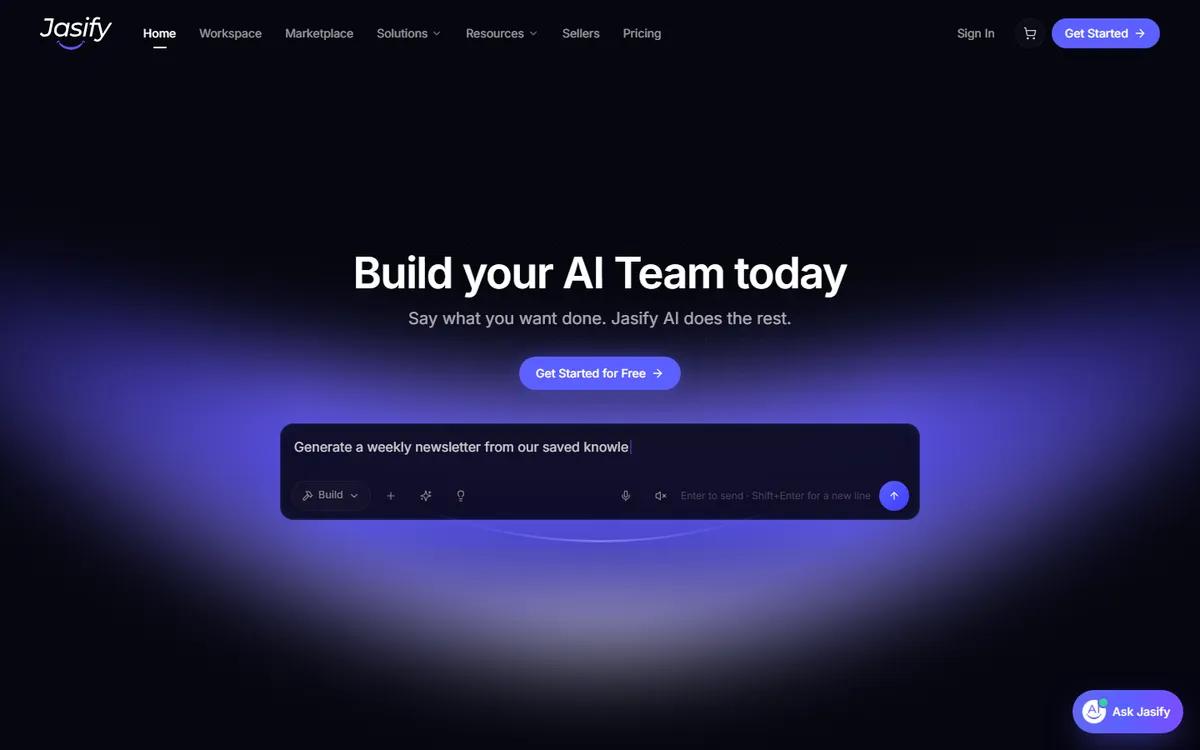
I first built Jasify, an AI workspace and marketplace, on WordPress with the Dokan multi-vendor plugin. As the product's requirements and complexity grew beyond what a plugin-based marketplace handles well, I helped the client move to Lovable. The risk with any AI-built site is that crawlers receive an empty JavaScript shell instead of real content.
Jasify's public marketing pages are prerendered to static HTML at build time, so every crawler, including AI answer engines that do not run JavaScript, gets the full content on the first request. Logged-in app routes are kept out of search.
Common questions
Quick answers about indexing, migration and deployment.
Yes. The design is rebuilt as a WordPress site using the block editor or Elementor, the content is moved into pages and posts, and forms and integrations are reconnected. The React code Lovable generates cannot be dropped into WordPress directly, so a rebuild gives you a site your team can edit without prompts or code.
Common causes are a site that is still on the lovable.app subdomain or available on two addresses, the same title and description on every page, no sitemap or Search Console setup, unknown URLs that return a 200 status instead of 404, links that are buttons instead of real links, and thin content. Older client-side rendered projects can also show crawlers an almost empty page.
Lovable says new projects created since May 2026 are server-side rendered, and that older projects gain prerendering for crawlers. That solves much of the rendering problem, but each page still needs its own title, description, canonical URL, sitemap entry, structured data and useful content, and the site still needs to be verified in Search Console.
Yes, and it is often the best option. The marketing pages and blog move to WordPress or a static site on your main domain, while the app keeps running on a subdomain such as app.yourdomain.com.
Yes. Sites generated with v0, Bolt.new, Replit or Cursor follow the same process: audit what was built, then fix SEO in place, rebuild as a static site or migrate to WordPress.
No. The new site is rebuilt to match your current design on desktop, tablet and mobile, unless you want improvements along the way.
Yes. Using the project's GitHub repository, the app can be deployed to Cloudflare, Netlify or Vercel with your custom domain, environment variables and authentication redirect URLs configured correctly.
Get found on Google
Share the URL and what you want the site to achieve. You will get an honest recommendation on whether to fix, rebuild or migrate, with a clear scope. If the app itself is broken or not secure yet, see vibe coding cleanup.