Website migration · Astro · Cloudflare
WordPress to Jamstack Migration Case Study: KashifMahmood.com
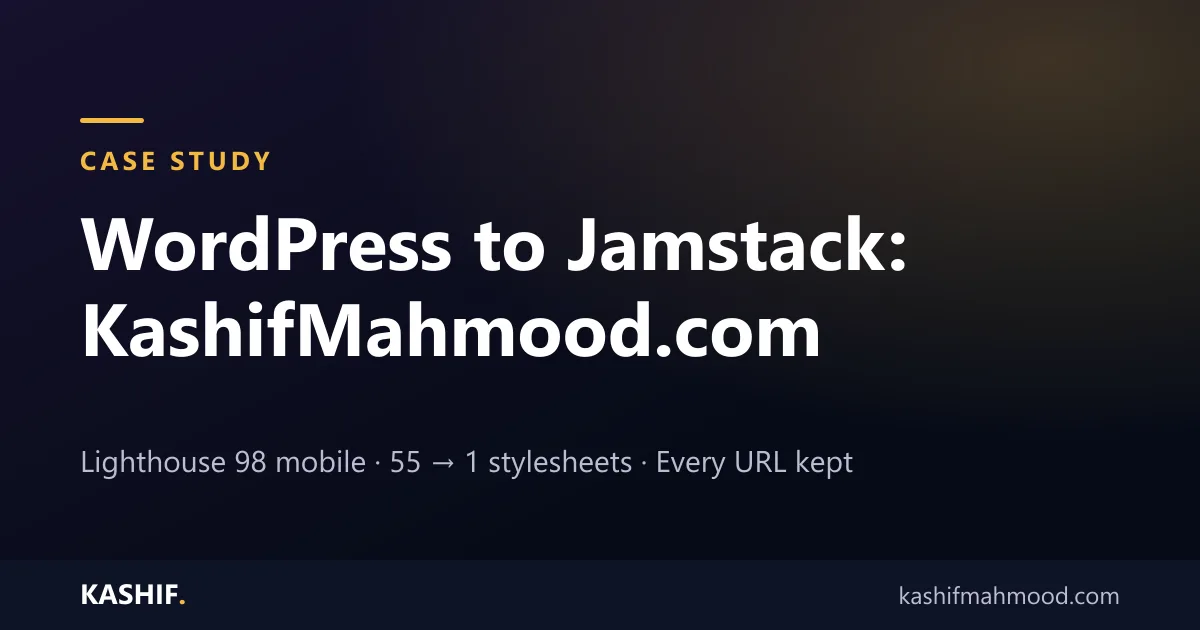
I moved my own website from WordPress and Elementor to a Jamstack build: pages pre-rendered with Astro and served from Cloudflare's edge network, with a small Worker for forms and redirects. The design, every URL and all on-page SEO stayed the same, while the code behind each page shrank to a fraction.
- Website
- kashifmahmood.com
- Before
- WordPress + Elementor
- After
- Astro static build
- Hosting
- Cloudflare Workers
- Pages migrated
- About 100
- Forms
- Worker + D1 + Turnstile
- Lighthouse (mobile)
- 98 Performance
- Best Practices
- 100
Why I Moved My Site Off WordPress
My website is mostly service pages, case studies and blog posts that change a few times a month. On WordPress, every visit still ran PHP, queried a database and loaded the page builder's assets. The homepage alone pulled in 55 stylesheets and 39 external scripts, and the plugin stack needed regular updates and security patches.
None of that work helped visitors. A Jamstack build generates each page once, ahead of time, and serves plain HTML from servers close to the visitor. JavaScript is added only where a page needs it: the mobile menu, the forms and the portfolio filters.
Goals
- Keep the site recognisable: the same layout, rows, columns, colours and typography.
- Lose no SEO: the same URLs (including trailing slashes), titles, meta descriptions, canonicals, headings, content, image alt text and structured data.
- Make it fast and low-maintenance: no plugins or PHP to patch, and almost nothing to load per page.
- Keep lead capture working: the enquiry form with spam protection, a WhatsApp country picker and email notifications.
What Was Built
- Content migration: pages, blog posts and portfolio items exported from WordPress and converted to Markdown files, with every SEO field kept in the frontmatter.
- Elementor layout engine: Elementor's per-page layout rules (sections, columns and breakpoints) regenerated as small scoped CSS, so pages keep their design without Elementor's runtime.
- Astro static build: every page pre-rendered to HTML at build time, with one stylesheet and a self-hosted Inter variable font.
- Cloudflare Workers with static assets: pages served from the edge, with a Worker that handles redirects, trailing-slash rules, security headers and form submissions.
- Secure enquiry form: Cloudflare Turnstile spam protection, rate limiting, leads stored in Cloudflare D1 and email notifications. Raw visitor IP addresses are never stored.
- Built-in admin: a private dashboard listing leads, a 404 monitor that ranks broken URLs by hits, and a redirect manager, so broken links after launch can be fixed without a new deploy.
- Noindexed staging site: a full copy for review that sends
noindexin both a meta tag and anX-Robots-Tagheader, with canonicals pointing at the production domain so it can never compete with the live site.
How the SEO Was Protected
- An automated QA script compared every old and new page: title, canonical, H1 and H2 headings, internal links, images and word count, plus a broken-link check across the whole site.
- WordPress-only URLs such as
/about/,/blog/, paginated archives and thewp-sitemap.xmlfiles return 301 redirects to their closest equivalents. - A fresh XML sitemap, robots.txt and RSS feed are generated at build time.
- The custom 404 page returns a real 404 status, and every 404 is logged so new broken links show up in the admin.
Results
| Homepage | WordPress | Jamstack |
|---|---|---|
| HTML size | 311 KB | 59 KB |
| Stylesheets | 55 | 1 |
| External scripts | 39 | 1 |
| Lighthouse Performance (mobile) | Not measured | 98 |
| Lighthouse Best Practices | Not measured | 100 |
| Largest Contentful Paint (Lighthouse mobile) | Not measured | 1.7 s |
| Total page weight (Lighthouse mobile) | Not measured | 241 KB in 9 requests |
The WordPress figures were counted from the live WordPress homepage's HTML. Lighthouse figures are from a mobile test of the new build.
Technology Used
- Astro (static site generation)
- Cloudflare Workers with static assets
- Cloudflare D1 (enquiries, 404 log and redirects)
- Cloudflare Turnstile (spam protection)
- Inter variable font, self-hosted
- Git and GitHub for version control and backups
Is a Jamstack Migration Right for Your Website?
Jamstack is a strong fit for marketing sites, portfolios, documentation and content sites whose pages change weekly or monthly. If your team edits pages in WordPress every day, a headless WordPress build keeps the editor you know while visitors get a static front end. If your site depends on many plugins or a busy WooCommerce store, a WordPress redesign focused on speed may be the better choice.
See my Jamstack development services, browse more redesign and migration projects, or tell me about your website.